


Table Options
Change Add to Cart Text
If you want to customize the "Add to Cart" text, simply navigate to the 'Options' tab and utilize the '(Add to Cart) Text' section. For example, you can change it to "Add to Basket."

The output will appear as follows:
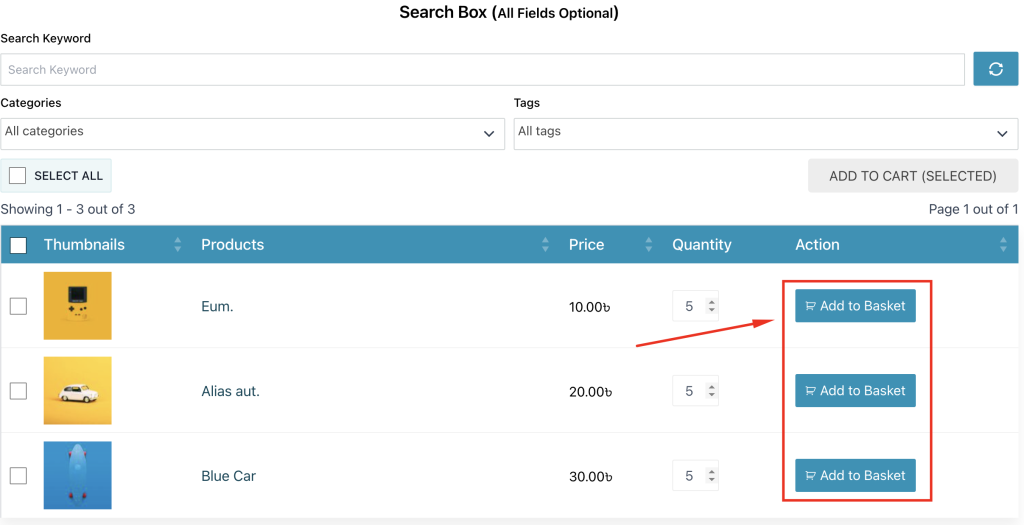
You can change Add to cart button design. You can Customize Add to Cart Icon
