


Troubleshoots
Woo Product Table is not working
Sometimes you may face some strange issues. Your product table is not working as you expected. It can happen after an update.
We can solve that issue by saving the table data again. Follow the step
Go to the table page and click "Edit Table" button below the table.

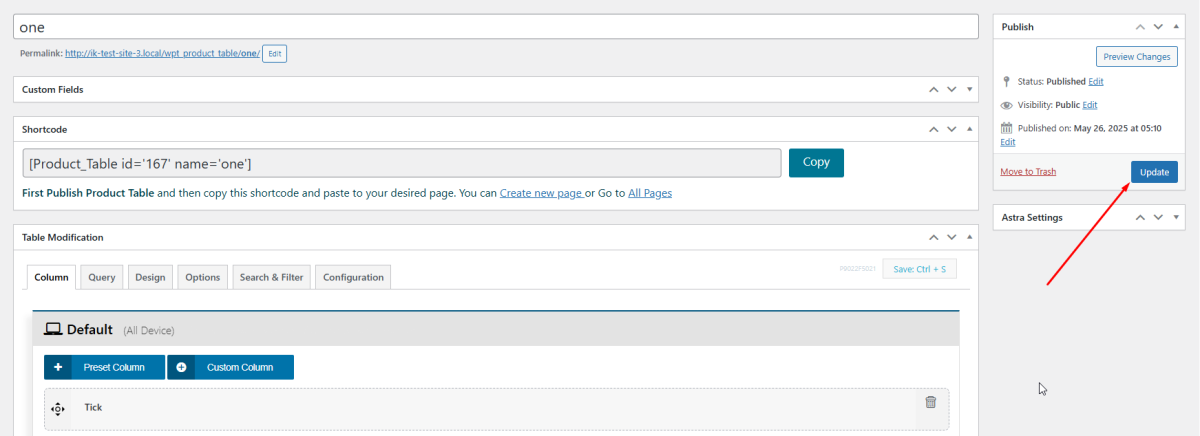
This will take you table edit pane in the admin section. From here click "Update". Your table data will save again and most of the issues should be solved.
Some Common issues
- I haven't activated the "check" column but I can still see the "All Check/Uncheck" button above the table.
- Table design suddenly changes.
