Table Options
Add inner items in the column and play with toggle
Time needed: 1 minute
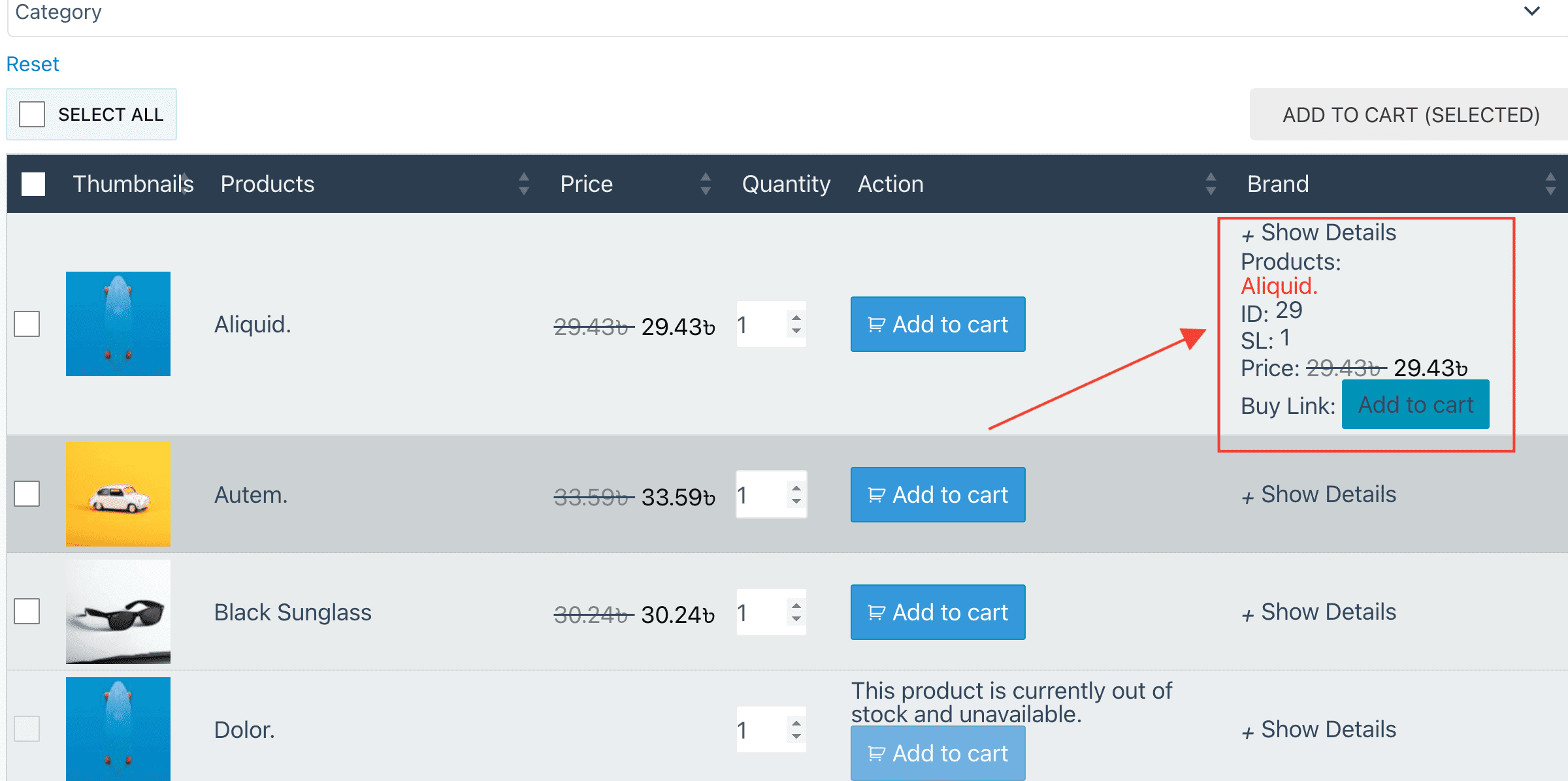
If you want multiple inner items in one column and want to show/hide by clicking. You can use the "Toggle Show Hide" option for that.
- Select items
Expand the column and select which inner items you want to show.

- Turn On Option
Scroll down and you will see a "Toggle Show Hide" option. Check it. Also give the toggle text in the input box.
- Table View