Advance Uses
Floating Cart Options
Our product table have a floating cart, we can control that floating cart. Go to "Configuration" tab and make change.
- We can hide this floating cart until the customer add some product in his floating cart.
- We can always show the floating cart
- Or we can always hide the floating cart
- Also, we can use hide for zero

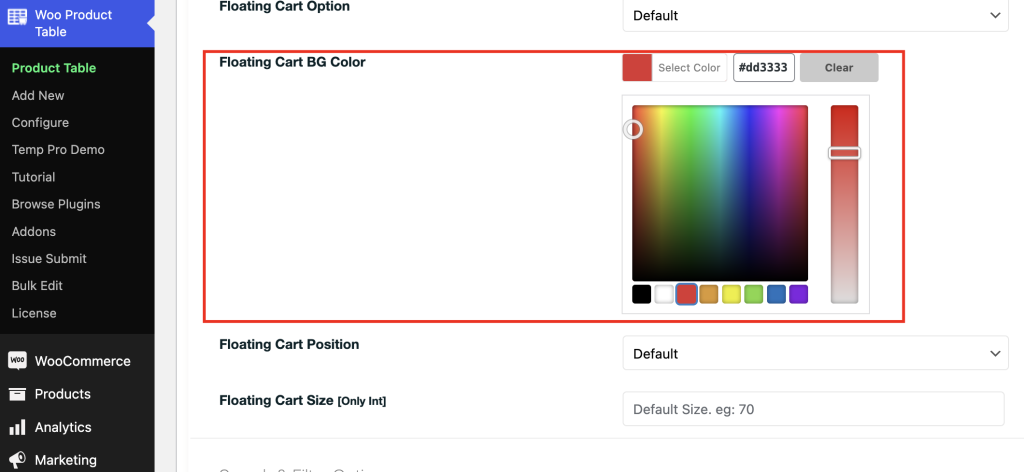
Change Floating Cart BG Color
We can change Floating card background color
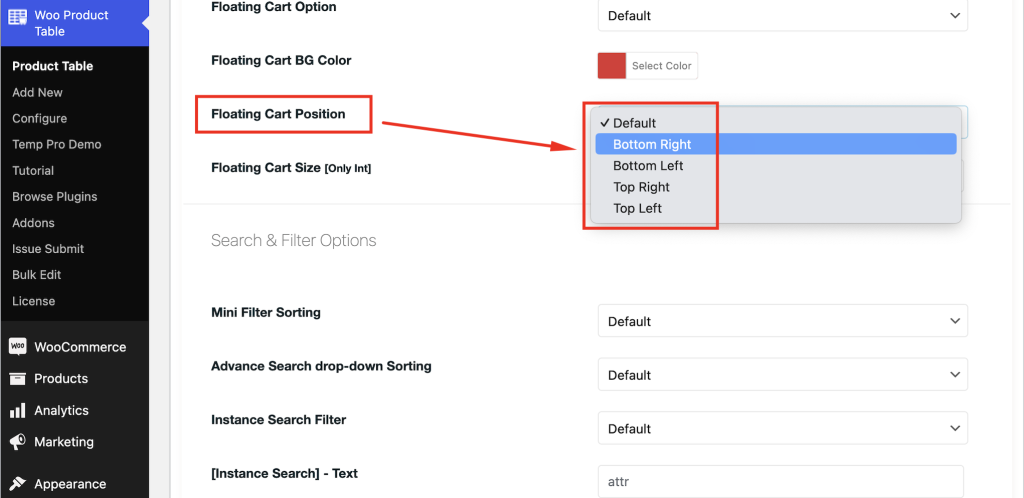
Floating Cart Position
- We can show the floating cart in the bottom right
- We can show the floating cart in the bottom left
- We can show the floating cart in the top right
- Or we can show a floating cart in the top left
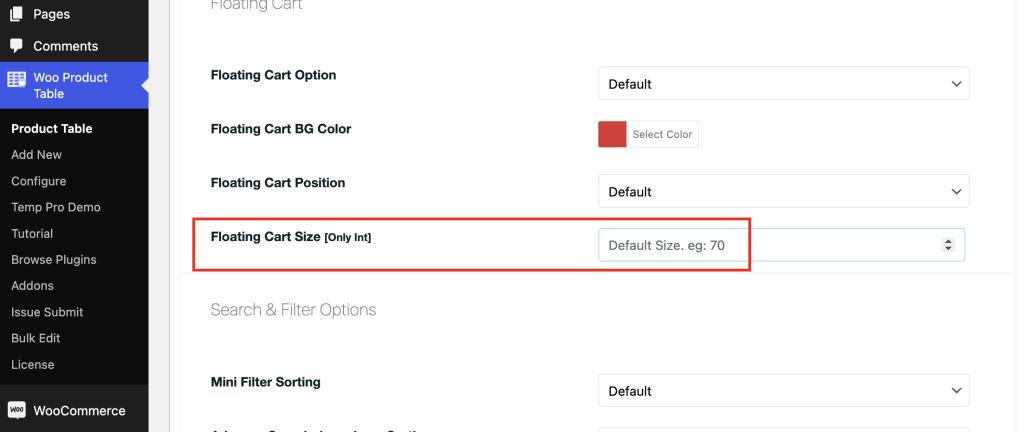
Floating Cart Size
We can control floating cart size, make sure your value is an integer. Set value like 50 or 75