


Table Options
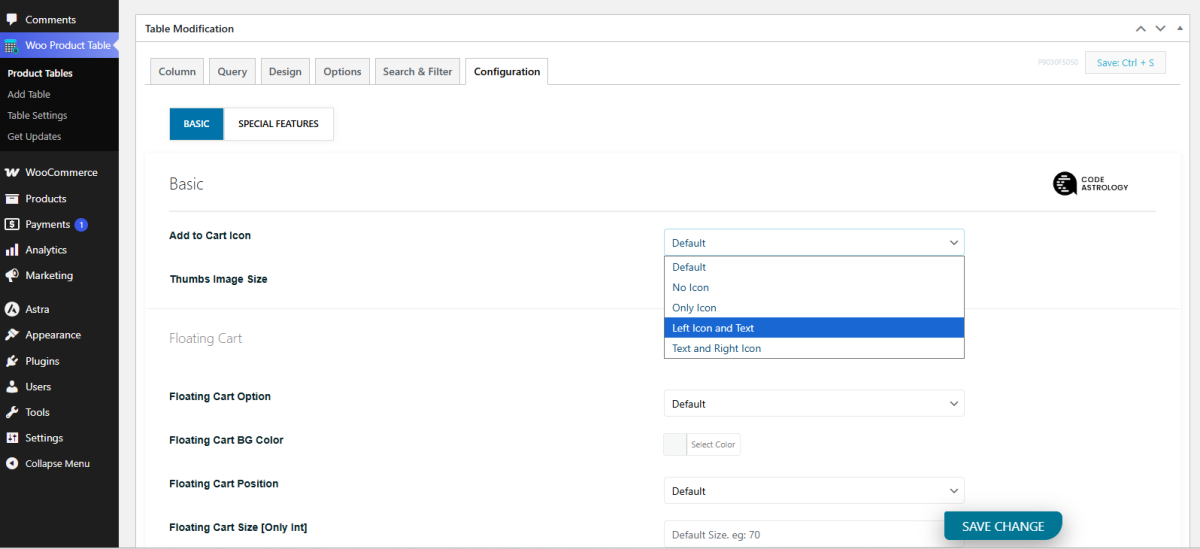
Customize Add to Cart Icon
If you want to customize your Add to Cart icon, here is the list below of what you can do.
- Do not show the icon
- Show only the icon
- Show icon on the left side
- Show icon on the right side
From the "Configuration" tab, go to the "Add to Cart Icon" section and customize as you want.
Global Setting
You can also find this option on the Configure > Basic page. This will apply to all tables.
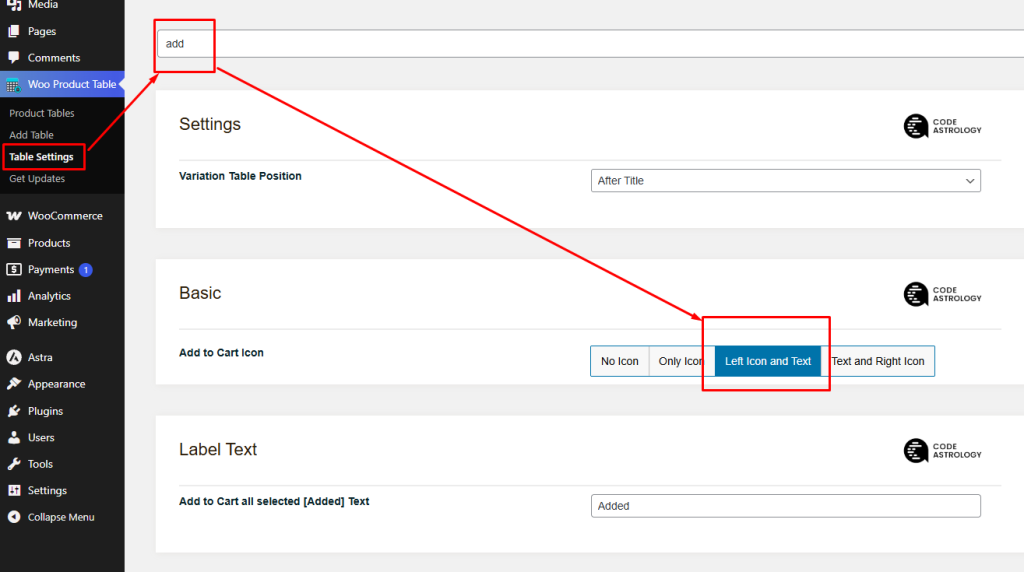
You can change the Add to Cart button design. Also can Change the Add to Cart Text
